1. First, you need to log on to the Cisco Clean Access Agent through the "coeguest" network.
2. When you log onto you're browser of choice enter the following web address (or click on it here): https://coewinprint.coe.int/login
Note: this will not work unless you enter the "https://" prefix.
3. After you go to the site you may see a page that looks like this:
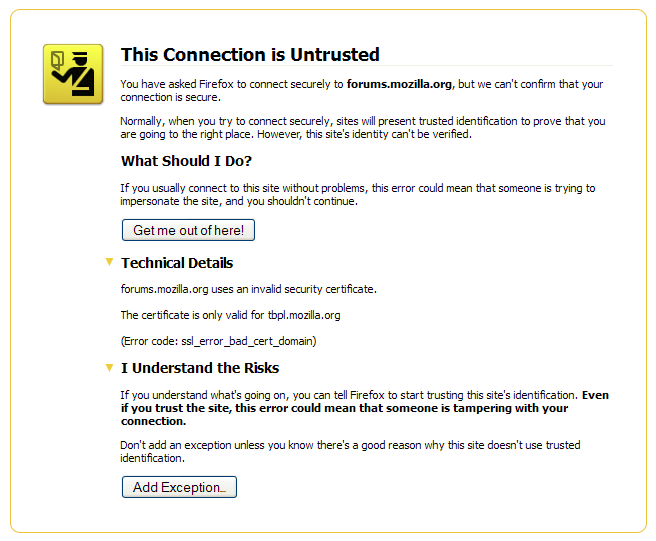
4. Once you have accesed the page you will need to log into your Coe account. From there you can upload your file and print without having to go to a library computer and go through the hassle of logging in.
Hopefully you can find this as helpful as I did. Enjoy!

No comments:
Post a Comment